



The plastic cup printing machine is vital for cup and bottle printers. This sophisticated system is essential for ensuring continuous production and print quality. However, the machine needs constant maintenance to keep it working well, like most precision machines. Neglecting maintenance leads to costly repairs, wasted time, and a shorter equipment lifespan. It’s also good practice to purchase a reliable, robust, or heavy-duty machine, such as one from Once-Tech.
You must know and follow the maintenance policies for your plastic cup printer, regardless of your experience with it. They will help your machine run for many more years.
Daily Cleaning Essentials
The first and most critical aspect of maintenance is keeping your machine clean. Over time, ink deposits, dust, and debris may spread throughout the machine. They may cause low-quality prints and uneven ink.
- Print heads and rollers: Clean them after each shift or run to prevent ink buildup.
- Ink Cups and Nozzles: Clean the containers and nozzles more often. Cloth can block them and slow the ink flow.
- Conveyor Belts: Clean conveyor belts. They may contact the hot-stamping foil, causing ink blots or other damage.
- Pro Tip: Always use cleaning solutions that won’t harm your machine’s fabric. They can affect delicate parts of the machinery.
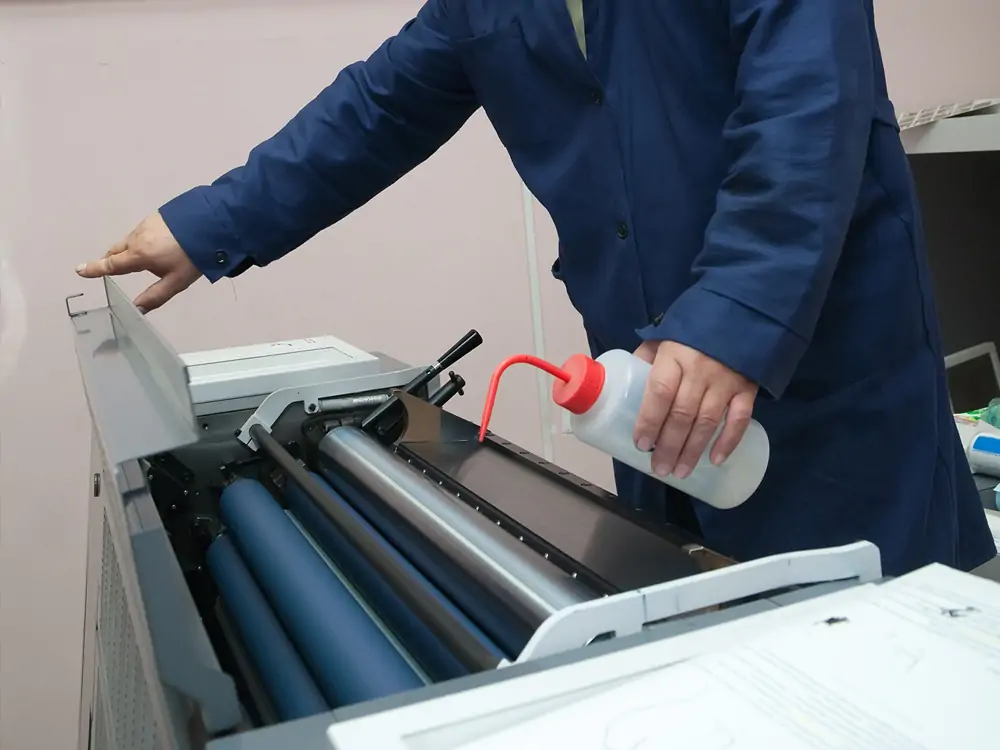
Lubrication: Keep the moving parts smooth
Plastic cup printing machines have many moving parts. They have gears, bearings, and chains. They must be oiled to work well. If the moving parts are not lubricated, constant friction wears them out. This can cause a breakdown or increased replacement costs.
Frequency: Grease all moving parts at least once a month, or as specified by the manufacturer.
Lubricant Type: Use only manufacturer-recommended lubricants that are compatible with the machine’s materials.
If not lubricated, these parts tend to tighten. Proper lubrication significantly reduces wear, noise, and energy consumption.
Supervise and Sustain Air Delivery Systems
Most plastic cup printing machines are pneumatically operated. This applies to applying ink and moving parts that handle the materials. For accurate printing, the air supply must be clean and consistent. So, this is vital if you use compressed air on your machine.
Check Air Filters: Wash the filters. Blocked filters prevent proper airflow through the machine and equipment.
Monitor Pressure: Check the air pressure and adjust it as needed. Low pressure can affect the printing parts.
Tip: Air leaks or contamination cause poor machine performance. So, check air hoses and fittings for wear or leaks.
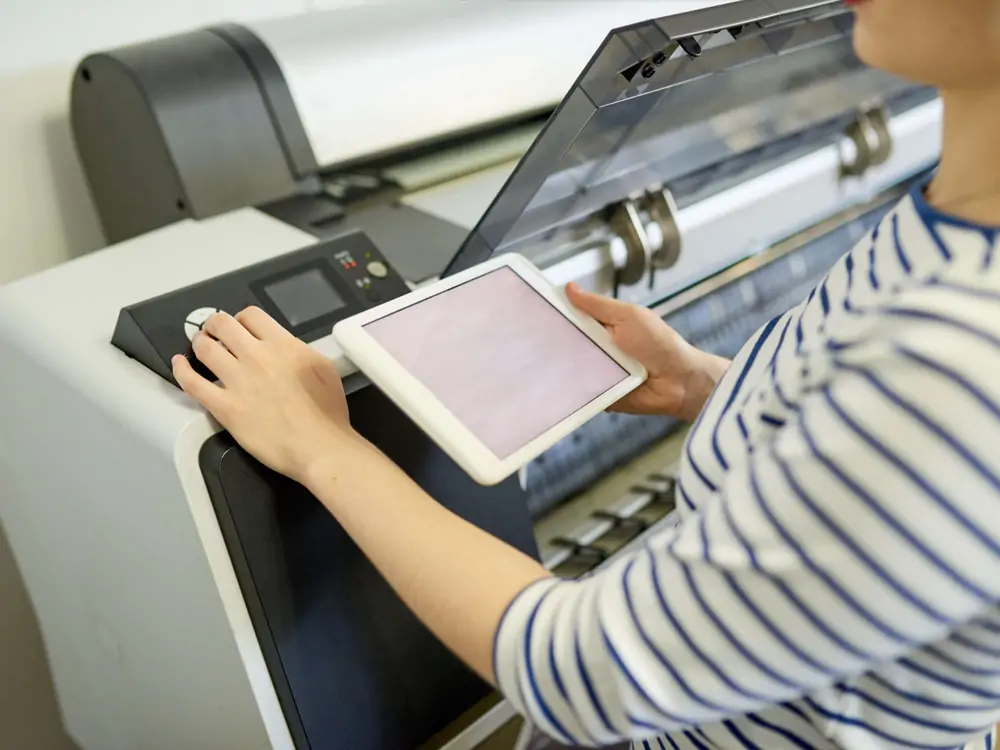
Do it daily or weekly to ensure that the prints are precise.
So, the printer needs fine-tuning to produce high-quality prints. Faulty alignment or bad settings will cause blurred images, smudged ink, or off-center designs. Calibrating the machine will ensure that ‘templates’ match and prints are the same size.
Inspect Settings: Adjust the machine settings if needed after the extended runs. This refers to the position of the print heads and the pressure applied by the squeegee and the cup support.
Advice: Check the document’s calibration settings for different materials and print types. They can be fixed and used when shifting between production runs.
Timely Replacement of Worn-Out Components
If you have not cared for the machine, its parts will wear out. They will need replacement. This is the secret to lengthening the machine’s lifespan. Worn-out parts are usually replaced before they cause severe damage.
Inspect Belts, Rollers, and Gears: Check for cracks, deformations, or other defects. Also, check for low flexibility. Do this regularly.
Print Heads: If the print quality decreases, consider changing your print heads.
Pro Tip: Keep critical spare parts in stock to avoid long-term losses when replacements are needed.
Electrical Components: Supervise for Safe and Productive Operations. Electrical management includes almost all machine components. It controls the print head and the conveyor. If the electrical parts are damaged, they must be checked and replaced often. This is to ensure the machine is safe for the operator.
Check Wiring And Connections: Look for loose connectors, wrong cables, or oxidation. It is best to address these issues early. This will prevent short circuits and machine problems.
Test Sensors: Many checks must ensure sensors work and are accurate. Sensor malfunctions may change speed. In the worst cases, they may stop a machine.
Note: All work must be done by skilled professionals. This prevents accidents and further damage.
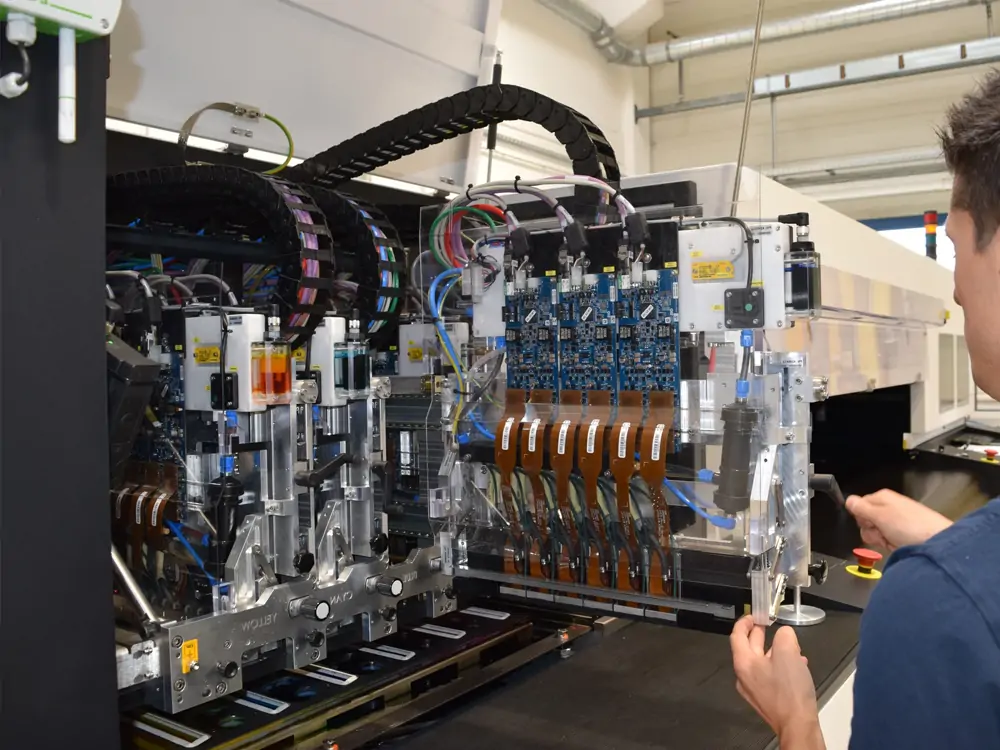
Software and Firmware Updates
Most cup-making printing machines today have software-controlled features. Updating this software is crucial. It will add new features, fix bugs, and improve performance.
Check for Updates: Visit your machine manufacturer or service provider for new software. It can improve the machine’s performance.
Backups: Always export the current settings. Updates may cause data loss or downtime.
Many operators do not realize that new software versions may improve print quality. They can also extend the machine’s lifetime by fixing bugs and fine-tuning processes.
Professional Maintenance Booking
It is, however, recommended that professional servicing be performed every 6 months or annually. This is in addition to your daily and monthly cleaning. Only experienced technicians can examine the machinery and its parts. They can find issues and failures and make the needed repairs.
Expert Inspection: It also means technicians can find hidden problems. Simple tests may not detect them.
Optimize Performance: Servicing lets you fine-tune your machine for peak output.
Tip: A log helps technicians identify problems during client service.
Conclusion
Caring for your plastic cup printing machine goes beyond keeping it running. It’s about ensuring a good ROI, reducing costs, and extending the lifespan of your equipment. Following these maintenance tips will minimize repair time. They will also provide quality prints throughout the machine’s life. Maintenance involves cleaning, greasing, adjusting, and replacing worn parts. It also includes professional check-ups. This can extend the life of your printing equipment.
Following a structured maintenance schedule will boost your business. It will extend the life of your plastic cup printing machine.
