


As technology advances rapidly, the tech market is growing. More smart electronics are now available on the market. One such is the 360° UV cylinder printer. If you run a business specializing in customized water bottles, you should choose a machine to print photos and other designs. After every print job, just give it a quick wipe-down – takes 30 seconds and saves you thousands. When you take care of them properly, these machines crank out flawless prints for years. Regular service is essential to keep your printer running smoothly. Furthermore, you can keep churning out killer custom bottles.
Here’s precisely how to maintain your 360° UV cylinder printer so it runs flawlessly for years. We will also list tips and tricks to help the printer create designs for years to come.
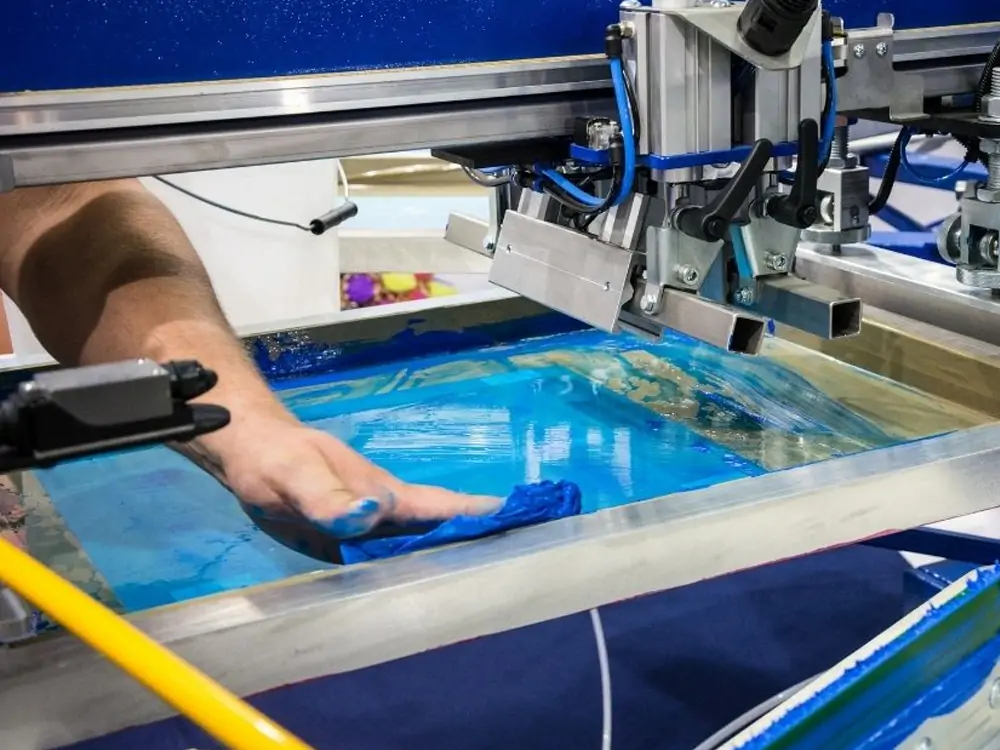
Importance of Regular Maintenance of a 360° UV cylinder printer
A 360° UV cylinder printer requires daily maintenance to ensure proper operation.
- A well-maintained printer helps prevent ink from clogging or drying out.
- Regular wipe-downs remove dust and dried ink before they cause problems. Thus, there will be no printing errors.
- It is crucial to care for every machine you purchase properly. Keep the printers spotless and regularly upkept for the best print quality on the water bottles.
- You’ll waste hundreds on ink. A 30-second daily purge saves you big.
- Take care of your 360° UV cylinder printer and perform a regular care routine. It keeps your machine smooth, saves you money, and ensures it keeps creating those fantastic custom bottles.
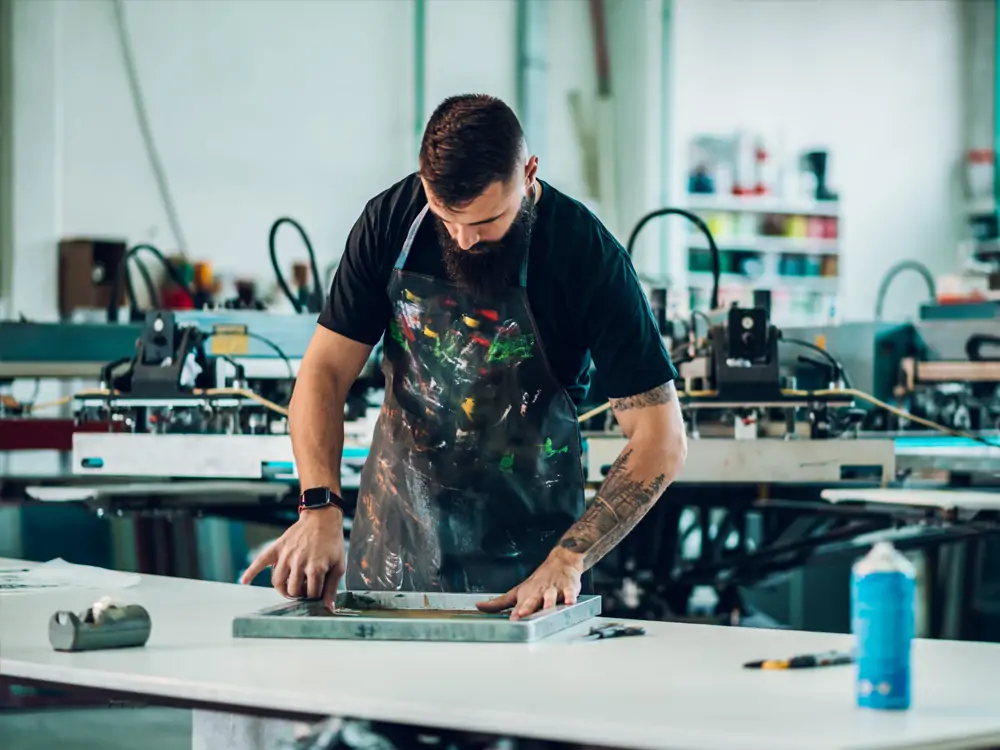
Essential Maintenance Tasks for Peak Performance
⮚ Cleaning Procedures
Your cleaning routine has two levels: daily and weekly deep clean. Deep cleaning is recommended weekly. Using a cleaning fluid is essential. The flushing fluid removes ink that blocks the print head nozzle and other areas. In contrast, daily cleaning involves wiping the entire machine with purge fluid.
⮚ Lubrication Requirements
Proper lubrication reduces downtime. Always check the machine for instructions. Check your manual to see which parts need lubrication and what type of oil to use. A little oil spray reduces friction and allows the machine to run smoothly.
⮚ Inspection Checklist
Always perform consistent checks of the printer’s parts. If there are problems, they will be easy to identify. This stops minor issues from turning into $2,000 repair bills. Otherwise, the printer gets destroyed. For ink, UV lights play an essential role in drying it. If it does not work well, it is easy to replace these lamps.
⮚ Calibration Techniques
Calibration ensures your printer prints accurately. Never let your ink tanks drop below 25%. It will maintain proper ink flow and prevent damage.
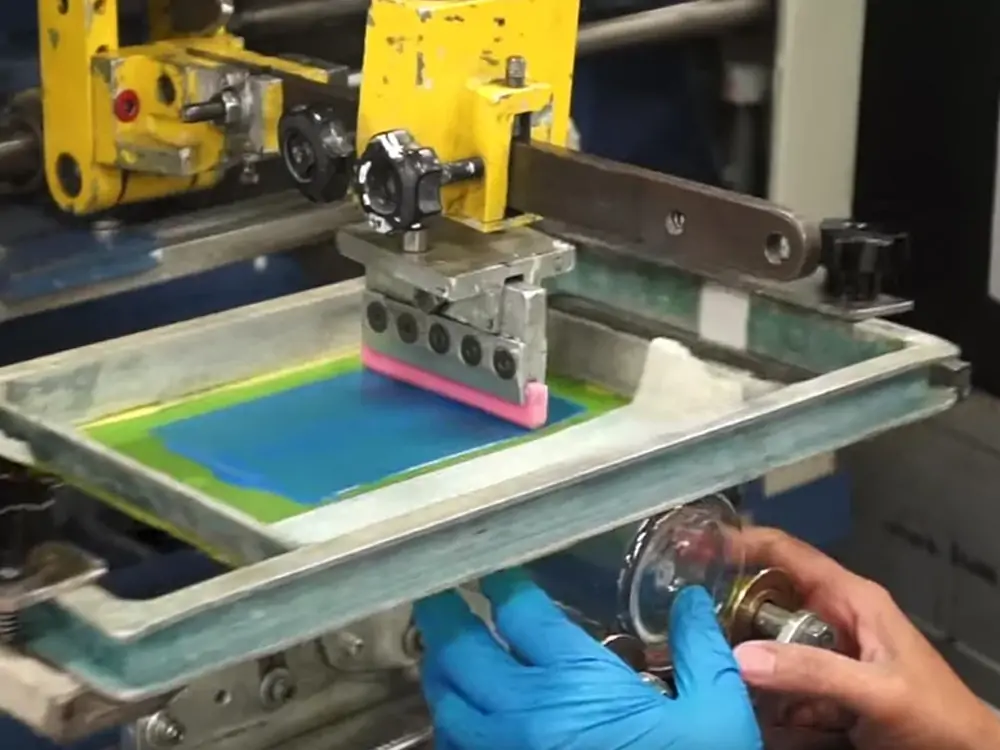
Typical Troubles Encountered During 360° UV Cylinder Printer Maintenance
Below are some common problems people might encounter when wiping their printers down. The tricks and tips below will help overcome them.
⮚ Stubborn Ink Residue
After you purge, some ink residue remains in the print head. It is possible only if you do not use the appropriate amount of wiping-down fluid. You may have used the wrong steps. Always check the solution before using it and confirm the manufacturer from whom you purchased the printer. Sometimes, you need a practical wiping-down tip. It depends on the stubborn ink residues.
⮚ Damaged Cleaning Tools
It is advised not to reuse the same brush for running a cleaning cycle. It can harm the printer parts. If you use worn-out brushes, they won’t remove ink stains effectively. Using a rough cloth can damage the delicate printer parts. Therefore, always conduct research before running a cleaning cycle. Try to use lint-free and soft cloths.
⮚ Accidental Oversaturation with Cleaning Solution
Flushing every machine you have is crucial. You need to remember one thing. If you over-soak the printer parts in purge fluid, they will be damaged by the excess fluid. Before you soak the 360° UV cylinder printer parts in a cleaning solution, just check your manual or hit up the Facebook group.
⮚ Clogged Print Head Nozzles
Flushing every machine you have is crucial. You need to remember one thing. If you over-soak the printer parts in purge fluid, they will be damaged by the excess fluid. Before you soak the 360° UV cylinder printer parts in a cleaning solution, just check your manual or hit up the Facebook group.
The Final Words
In conclusion, what is essential is to keep your 360° UV cylinder printer clean and maintain it regularly. It is necessary to keep your machine clean after each use. If you set a deep cleaning day for your automatic printer, you can get the best prints on the water bottle.
